OntoAnno#
Start here if you have a Seurat object and want to annotate cell types.
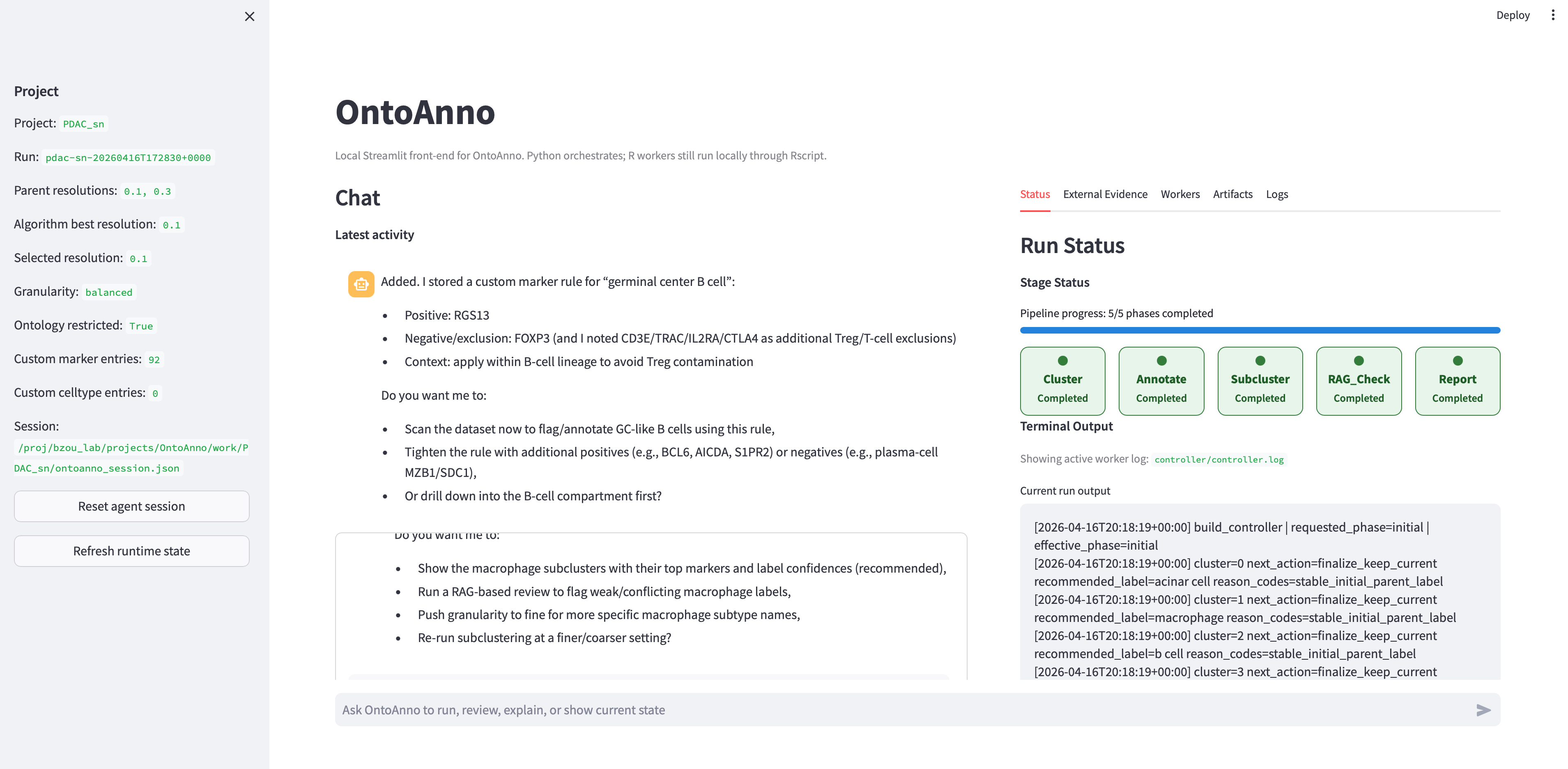
OntoAnno is a local web app for single-cell annotation. You give it a Seurat
.rds file, a small YAML config, and an API key. OntoAnno then runs the
annotation workflow, helps you review the labels, and creates a final HTML
report.
Acknowledgement#
OntoAnno builds on the GPTAnno annotation workflow. For the original GPTAnno repository, see GPTAnno.
What You Need#
Before starting, prepare these three things:
Item |
What it means |
|---|---|
A Seurat object |
One |
Dataset information |
Species, tissue name, and where you want results to be saved. |
LLM API key |
Usually an OpenAI API key stored in |
Workflow Guidelines#
For most users, follow these three steps in order:
Install OntoAnno.
Configure your dataset.
Use the agent to run annotation and review labels.